Upload Files
Upload single or multiple files with drag & drop support. Supports large file uploads.
A simple, fast and small file manager with a single file. No dependencies, no database required. Upload, download, edit, delete, preview and manage your files with ease.
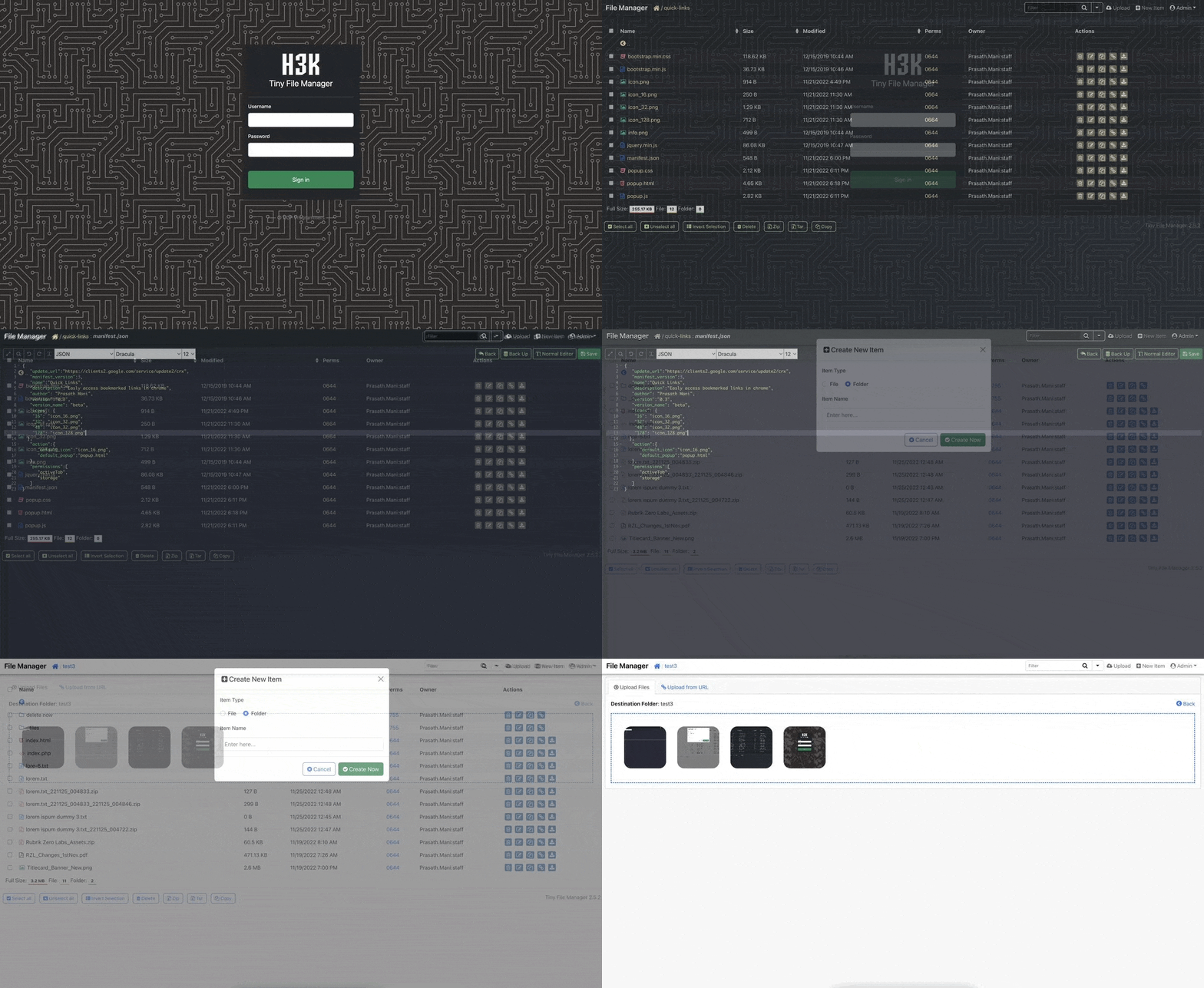
Everything you need to manage files efficiently, all in a single PHP file
Upload single or multiple files with drag & drop support. Supports large file uploads.
Download individual files or create zip archives for bulk downloads.
Built-in code editor with syntax highlighting for 150+ languages. Edit files directly in browser.
Preview images, videos, audio, PDFs and text files without downloading.
Create, rename, delete folders. Navigate through directory structure easily.
Powerful search functionality to find files and folders quickly.
Copy or move files between folders with ease. Batch operations supported.
Secure authentication system with user management and permission controls.
Create multiple users with different access levels and folder permissions.
Supports 50+ languages with easy translation system.
Works perfectly on mobile, tablet and desktop devices.
Single PHP file, no database required. Lightning fast performance.
Create and edit text files with syntax highlighting and auto-save.
View image properties, thumbnails and EXIF data.
CSRF protection, secure password hashing, and file upload validation.
Easy configuration with multiple themes and layout options.
Try the live demo and experience the power of Tiny File Manager
Experience all features in our interactive demo. No installation required - just click and start exploring the file manager interface.
Default Credentials
Username: admin | Password: admin@123
User Account
Username: user | Password: user@123
Get started in minutes. No complex setup required.
Four simple steps to get started
Download tinyfilemanager.php from GitHub releases
wget https://github.com/prasathmani/tinyfilemanager/raw/master/tinyfilemanager.php
Upload the file to your web server directory
Open in browser and login with default credentials
Default: admin/admin@123
Change default password and configure settings
Run with Docker in seconds
Pull the Docker image:
docker pull tinyfilemanager/tinyfilemanager
Run the container:
docker run -d -p 8080:80 -v /path/to/files:/var/www/html/data tinyfilemanager/tinyfilemanager
Access the application:
http://localhost:8080
Customize your installation
Edit the configuration section at the top of tinyfilemanager.php:
// Auth users
$auth_users = array(
    'admin' => '$2y$10$...',
    'user' => '$2y$10$...'
);

// Readonly users
$readonly_users = array('user');

// Root path
$root_path = $_SERVER['DOCUMENT_ROOT'];

// Root URL
$root_url = 'http://localhost/';
Need help? Check out the documentation
View Documentation